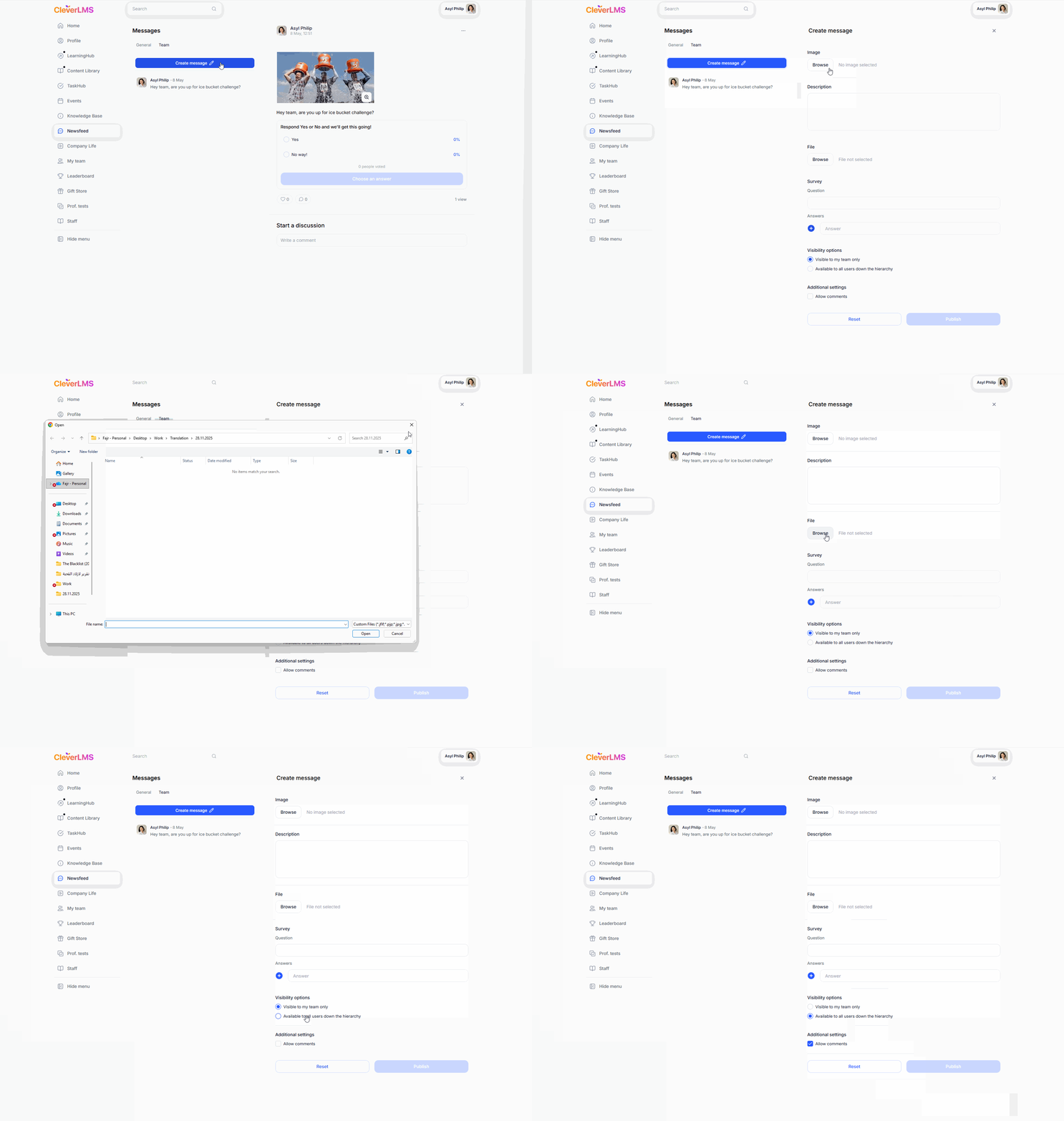
Head's news feed / channel.
The "My Feed" tab in the "Messages" section allows managers to publish informational messages, which may include surveys, with access to the passage for the entire team.
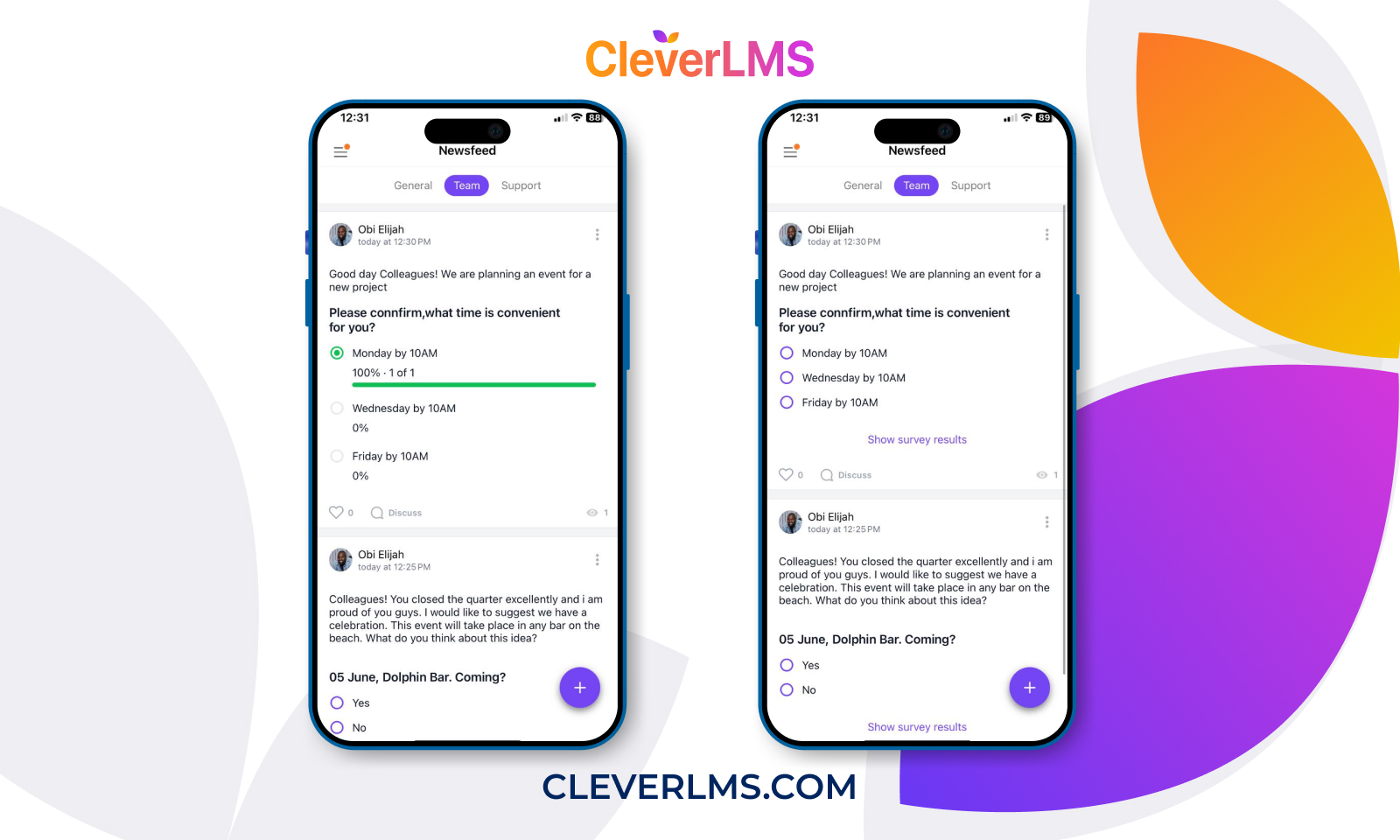
Opportunities:
➢ The employee sees the publications only of his direct supervisor;
➢The manager can publish a message that is available only to him and his subordinates;
➢The manager in the feed sees his publications and the publications of his superior manager (at the same time, the superior manager does not see the publications of his subordinate managers).
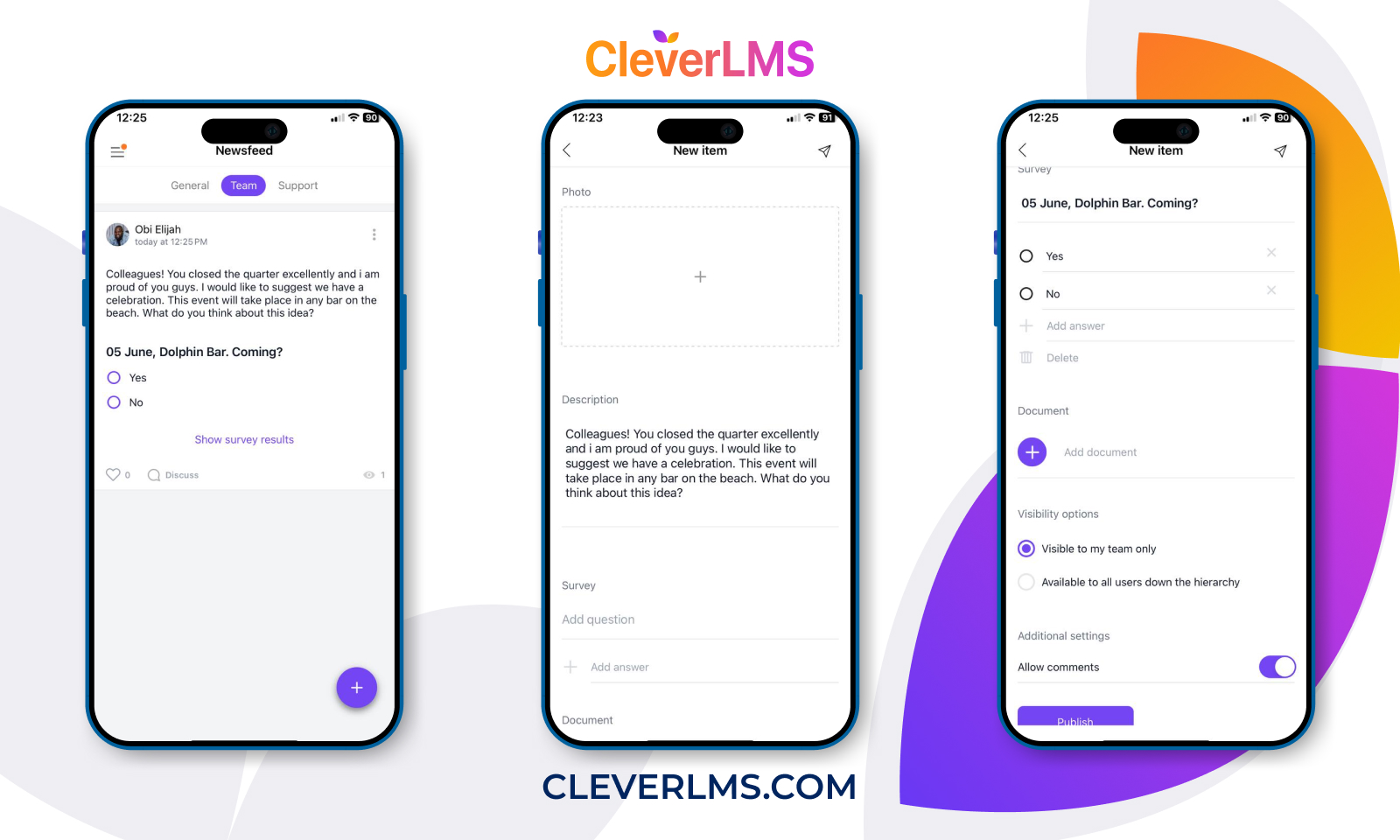
Leadership capabilities
➢ A manager can publish a message that is accessible to them, their subordinates, and their subordinates down the hierarchy by 20 levels;
➢ A manager sees their own publications and the publications of their superior manager in the feed (however, a superior manager does not see the publications of their subordinate managers).
How to create a publication:
➢ Click on the "+" in the lower right corner of the screen;
➢ On the publication creation screen, add an image and description;
➢ If necessary, add a poll to the publication or attach an accompanying document;
➢ Visibility settings: specify that the publication will be visible to all users down the hierarchy or only to your team;
➢ In the additional settings section, enable/disable the ability to add comments; ➢ Click the "Publish" button.
User capabilities
➢ The employee sees posts by their immediate supervisor and managers higher up in the hierarchy;
➢ The employee can comment on a message that is visible (if comments are enabled);
➢ The employee votes in polls published by managers.
How the publication appears to the user.
The example shows the web version:
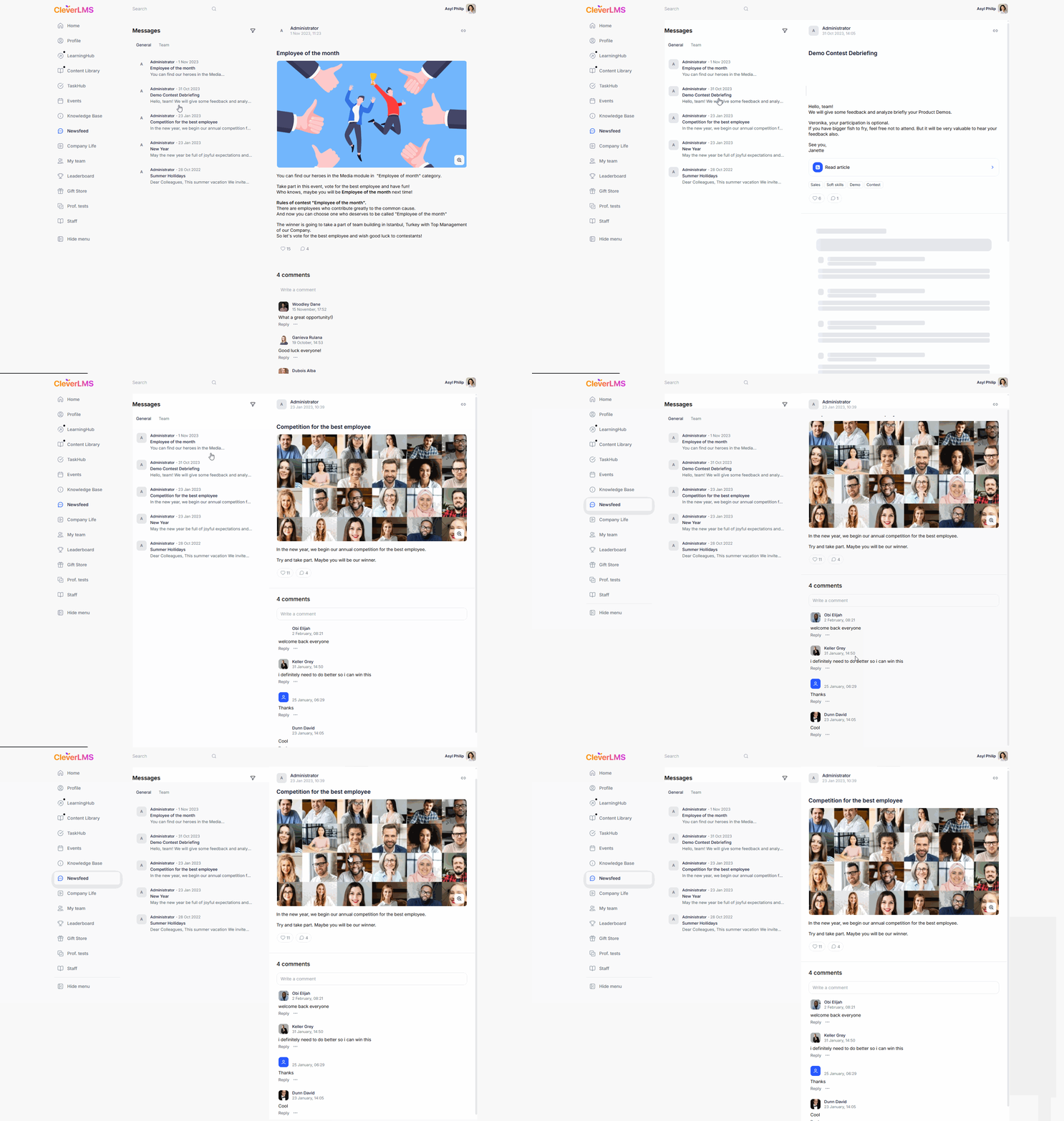
How to make a publication: